What is a CMS and does your website really need one?
A plain-language breakdown of what a CMS is, when you actually need one, and how to choose the right type for your site.
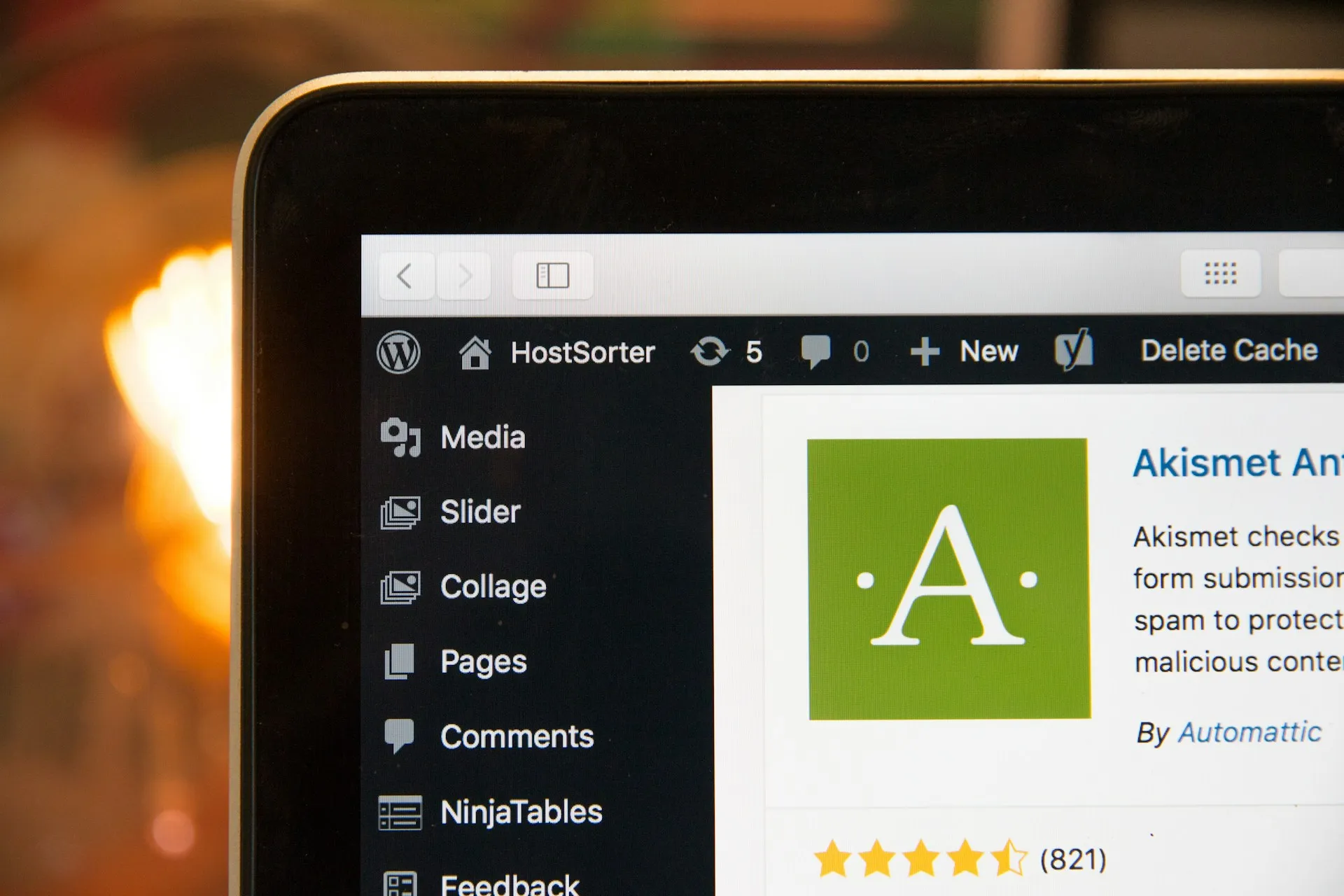
1. CMS - what exactly is it?
A CMS (Content Management System) is a system used to manage content on a website. Simply put - it's an administrative panel that allows you to edit your website without involving a developer.
With a CMS, you can:
- add and modify text,
- manage images and galleries,
- create new subpages,
- publish blog posts,
- edit contact information.
According to W3Techs, the most popular CMS systems in 2025 are:
- WordPress (42.3%)
- Shopify (4.9%)
- Wix (4.1%)
- Squarespace (2.4%)
- Joomla (1.4%)
CMSs are used not only for managing content but also for running online stores. Popular solutions here include WooCommerce and PrestaShop.
2. Types of CMS systems
CMS systems can be divided into several categories:
- Open-source - platforms with publicly available source code that can be modified and extended freely. These systems are usually free, but often rely on additional paid plugins to achieve specific functionalities. Examples include WordPress, Joomla, and Drupal.
- Custom (dedicated) CMS - systems built from scratch for a specific client, tailored to unique requirements. They are typically the most expensive option but offer maximum flexibility. In this case, "the sky is the limit" - there is very little that can't be implemented.
- SaaS (Software as a Service) - subscription-based systems where the provider handles the software, updates, maintenance, and hosting. They are very user-friendly but usually less flexible than custom or open-source solutions. Examples include Shopify, Wix, or Squarespace.
- Headless CMS - a modern approach where the content management backend is separated from the frontend. Content is delivered to the website via an API (more on this later in the article).
3. When is a CMS a good choice?
A CMS is an excellent option in several specific scenarios:
- Blogs, news, updates - if you regularly publish new content, share updates, or post announcements, a CMS is practically essential.
- Websites with frequent content updates - restaurant menus updated several times a year, service companies with dynamic offerings - a CMS will make your life much easier.
- Large websites and e-commerce - product catalogs, knowledge bases - here a CMS is the natural choice.
4. When is a CMS unnecessary?
Not every website needs a content management system. In many cases, a simple site without a CMS will be faster, cheaper, and more secure.
- Business card websites (with a few subpages) - if you update content once every few years, a CMS is simply unnecessary overhead (for both the server and your budget).
- Landing pages for specific campaigns - these pages need to be fast and focused on a single goal.
- Websites with rare content updates - if your services rarely change, and updates are minimal, a developer can make occasional changes for you - often faster and more effectively.
5. Advantages of using a CMS
If your website truly requires frequent content updates, a CMS offers many benefits.
- Ability to edit content independently: the biggest advantage - you don't need coding knowledge or a developer.
- Ease of publishing content: CMS platforms offer a variety of fields and editors (including WYSIWYG), making content creation simple.
- Customisation options: custom CMS systems allow for almost unlimited flexibility. Open-source CMS platforms offer thousands of free and paid plugins to achieve the desired effect.
- Large community: for example, WordPress is one of the most popular CMS platforms in the world, with a huge community constantly sharing knowledge and solutions.
6. Disadvantages of using a CMS
A CMS is not always the best solution. What people rarely mention is that implementing a CMS-based website can also have drawbacks:
- Higher technical complexity: it introduces an additional backend layer - another system that requires maintenance.
- Security risks: especially with WordPress - plugins and themes can be vulnerable if not properly maintained.
- Performance issues: CMS-based websites can load noticeably slower (unless well optimised).
- Need for regular updates: to keep the CMS secure, stable, and fast, regular updates are essential.
- Risk of layout issues: flexible CMS systems without proper guardrails may lead to visual inconsistencies if used improperly.
Remember: a CMS is a great solution, but only if you genuinely need it. If your website is static or changes very rarely, a CMS adds unnecessary complexity that you may never fully benefit from.
7. Headless CMS - a modern alternative
A Headless CMS is a CMS "without a head". This approach separates the backend (the CMS itself - the "body") from the frontend (the "head" - the presentation layer such as a website or online store). The CMS communicates with the frontend via an API.
Thanks to this architecture, all backend logic is separated from the frontend, allowing you to use any JavaScript framework to build your website. The backend can then serve as a data source not only for a website, but also for mobile apps, other websites, or various applications. This separation improves performance, scalability, and security.
However, headless CMS solutions are not without drawbacks. They offer huge flexibility, but typically come with higher initial costs and longer development times compared to a traditional WordPress site. There are no ready-made themes or plugins - everything has to be designed and implemented manually. Additionally, some headless CMS platforms operate as SaaS services, which means monthly fees, pricing changes, and dependence on the provider's infrastructure.
8. TL;DR - do you need a CMS?
If you regularly publish content, add products, want to update your website independently, and need flexibility - a CMS is a good choice.
If your website is meant to remain simple, static, and extremely fast - and you make changes only occasionally - a non-CMS solution will be faster, cheaper, and far less problematic.
